AI Agents: Slack/Teams Production Ready, Secure, Scalable
A Slack agent racked up $47,000 in API costs in just 11 days–all because there were no cost limits. Discover why 73% of AI agent projects in Slack or Teams fail in production, and what you can do to prevent those costly mistakes.
Georg Singer··14 min read

AI Agents in Slack & Teams: From Demo to Disaster (and How to Avoid the Trap)
Imagine building a shiny new AI agent that automatically triages support tickets in Slack. You ship the proof-of-concept, people are excited, and things seem to work.
Eleven days later, you get the bill: $47,000 in API costs–completely unnoticed until it's too late. (Towards AI, 2026)
Think this only happens to someone else? Think again. 73% of AI agent projects in Slack or Teams run into major reliability or cost issues within the first year (LangChain State of AI Agents 2024). That jaw-dropping number means nearly three-quarters of teams hit the wall–not because their LLM is bad, but because their demo code was never designed for production reality.
Key Takeaways
According to the data, 73% of AI agent projects in Slack or Teams encounter production issues within their first year. Unchecked AI agents can accrue massive API costs, with one example hitting $47,000 in just 11 days due to a lack of cost limits. The primary reason for failure isn't the AI model itself, but the lack of a production-grade architecture in prototypes. Furthermore, AI-generated code is significantly more prone to vulnerabilities, making robust security measures non-negotiable. Techniques like prompt caching and batch API usage can slash costs by up to 90%, but require deliberate architectural integration.
So, why do so many promising projects crash and burn when moving from demo to deployment? Let"s dig in.
Why AI Agent Prototypes Fail in Production (and How to Spot the Danger)
You might ask: Why can"t you just plug a working prototype into Slack or Teams and call it a day?
The answer is simple: A prototype agent only proves a concept–it doesn"t handle the messy realities of production. Without built-in cost controls, observability, and security, your demo bot can blow through your budget and create risks you never saw coming.
Here"s what often happens. The agent works beautifully on your laptop–classifying support tickets, answering queries, whatever you need. But then, under real load, things break fast: infinite loops, missing API rate limits, no separation for different users or teams, and zero audit logs to track what actually happened.
According to the LangChain State of AI Agents 2024, that"s why 73% of AI agent projects in Slack/Teams hit reliability or cost roadblocks in year one. The cause? It"s rarely the LLM itself. It"s the lack of a production-grade architecture.
"Saw another agentic AI project crash last week. Same mistake, different team. Over 40% of these projects fail not because of the model, but because of bad architecture. Everyone builds demos."
– [@rohit4verse on X, translation]
Frameworks like LangChain make it easy to spin up demos. But here"s the catch: 45% of developers who try LangChain never deploy it to production. Of those who do, 23% rip it out later (LangChain Executive Summary).
The gap between demo and production is real–and expensive. "Production-ready" AI agents aren"t just functional; they"re resilient under real-world load, have enforceable cost ceilings, granular monitoring, and auditable logs. Demo code? That"s the opposite.
Now that you know why so many teams fail, let"s look at what makes an AI agent truly ready for prime time.
The 5 Non-Negotiable Rules of Production-Grade AI Agents in Slack & Teams
What does it really take for your Slack or Teams AI integration to survive in the wild? Not just function, but thrive?
You need robust observability, strict cost controls, secure multi-tenant isolation, a comprehensive audit trail, and reliable detection for silent failures. Skipping any of these essential components puts your budget, data, and operational integrity at significant risk.
Let"s break down why each of these is essential–and how skipping any one puts your budget and data at risk.
1. Observability & Tracing: See Everything, Miss Nothing
Observability means you can see every action your agent takes–each tool call, every step in a ReAct loop, all the logic behind the scenes. Without proper tracing and audit logs, your AI is a black box–until something goes wrong and you"re left flying blind.
As @hasantoxr on X puts it: "The problem isn"t the non-determinism. It"s the lack of visibility."
If you can"t see what your agent is doing, you can"t control it. And when trouble hits, you can"t explain (or fix) what happened. That"s a recipe for disaster, especially at scale.
2. Cost Control: Hard Limits and Real-Time Tracking
87% of all cost blowouts with AI agents happen because there are no hard limits in place (AICosts.ai Budget-Disaster-Guide). Without token budgets or clear cost attribution, agents can spiral into "runaway mode" fast.
Even worse: 73% of teams lack real-time cost tracking. The result? Actual expenses run 340% higher than planned, on average. That"s not just a rounding error–that"s your entire margin gone before you have a single paying user.
⚠️ Heads up:
Just one infinite loop can eat your entire monthly revenue in API costs–long before you land a real customer.
Don"t wait for the invoice to find out.
3. Multi-Tenant Isolation & Permission Management
When you deploy bots in Slack or Teams, you almost always need multi-tenant isolation–making sure one client"s data and actions don"t bleed into another"s. Without this, a single agent with full workspace permissions can wreak havoc across your whole organization.
The potential blast radius–the scope of damage a rogue or misconfigured agent can cause–grows exponentially if tenants and permissions aren"t tightly controlled.
Blast radius refers to how much harm a compromised AI agent can do, whether through uncontrolled API spend, unauthorized data access, or runaway automations.
4. Governance: Audit Trail, Compliance, and GDPR
You can"t call an agent production-ready unless every access, every decision, and every data action is logged and auditable. For GDPR and the EU AI Act, compliance isn"t a nice-to-have add-on–it"s table stakes, especially in sensitive integrations with Slack or Teams.
Skip the audit trail, and you"re not just risking data leaks–you"re exposing your company to legal headaches.
5. Robustness: Catching Silent Failures Before Your Users Do
The most dangerous production bug? Silent failure. That"s when your agent returns a "200 OK" status–so the API thinks all"s well–but the actual content is wrong, broken, or nonsense.
Traditional monitoring tools don"t catch this. Your customers will–long before you do.
Silent failure is when an AI agent technically responds correctly (for example, HTTP 200 OK), but the result is useless or incorrect. Since standard monitoring only checks status codes, these issues often slip by unnoticed–until someone complains.
Now that you"ve seen the core principles, let"s do the math on what this means for your bottom line.
The Real Cost of AI Agents in Slack & Teams: A Side-by-Side Comparison
If you"re moving from prototype to production, it"s critical to know how your architecture choices impact monthly costs–and risk exposure.
Here"s a breakdown:
| Stack / Architecture | 10,000 Tasks/Day | Prompt Caching Active | Batch API Used | Monthly API Costs (EUR) | Runaway Agent Risk |
|---|---|---|---|---|---|
| Standard (no caching/batch) | 10,000 | ✗ | ✗ | 4,800 | High |
| With Prompt Caching | 10,000 | ✓ (90% hit rate) | ✗ | 480 | Medium |
| Prompt Caching + Batch API | 10,000 | ✓ (90% hit rate) | ✓ | 250 | Low |
For example: 10,000 Slack tasks per day × €0.016 (GPT-4o, 750 tokens/task, no caching) = €160/day ≈ €4,800/month.
Use 90% prompt caching? Drops to €480/month.
Add batch API? Down to ~€250/month.
Notice how prompt caching and batching can slash costs by 90% or more. But here"s the catch–if you don"t build for it, you"ll never save a cent.
With the financial risks in mind, let"s zoom in on the security architecture that keeps your agents (and your data) safe.
Building Secure AI Agent Architectures for Slack & Teams: Minimizing the Blast Radius
How do you design a production-ready AI agent for Slack or Teams that"s not just functional, but secure–so a single bug can"t bring down your whole company?
You need a security architecture that puts guardrails between your bots and the rest of your systems. That means API gateways, policy engines, and least-privilege access–plus detailed audit logs for every action.
Here"s what that looks like in practice.
MCP, Policy Engines, and API Gateways: The Secure-by-Design Pattern
Never let AI agents connect directly with API keys. Instead, use an API gateway and a policy engine (think OPA or MCP) to control every request. Each API call is checked for permissions, rate limits, and logged for auditing.
This setup isn"t just for show–AI-generated code is 2.74× more likely to contain security vulnerabilities than hand-written code (CodeRabbit 2025). Without a policy engine and audit logs, a buggy ReAct loop could access your internal systems–leaving no trace until the damage is done.
⚠️ Critical:
AI-generated code multiplies your attack surface. If you don"t have a policy engine and logging in place, you"re trusting your entire stack to code you didn"t write–and probably don"t fully understand.
Real-World Example: Datadog"s SQL Injection in the Anthropic MCP Server
Even official frameworks aren"t immune. In spring 2026, Datadog reported a critical SQL injection vulnerability in the Anthropic MCP server. The culprit? AI-generated code that skipped input validation. The fallout: agents could trigger arbitrary database queries. This highlights just how far the blast radius of "shadow AI" and missing governance can reach.
Shadow AI: The Hidden Risk When Bots Ship Without Security Reviews
"Shadow AI: Teams deploy agents into production without any security review."
– Composio, 2025
This happens when a Slack bot launches as a quick proof-of-concept, and nobody tracks which code is running, where, or with what permissions. Suddenly, you"re in a governance vacuum–no one knows what"s actually in production, or who"s responsible.
So, security"s under control. How do you keep costs from spinning out of control with runaway agents?
SwiftRun automates repetitive workflows with AI agents – so your team can focus on what matters.
Avoiding the Cost Trap: How to Stop Runaway Agents from Burning Your Budget
Let"s get real: A single AI agent, left unchecked, can run up $47,000 in API costs in under two weeks (Towards AI / Medium). No hard limits, no monitoring, no early warnings–and you"re left holding the bag.
And this isn"t rare. According to AICosts.ai, nearly three-quarters of teams have no real-time cost tracking at all.
Here"s what that means for you: If you wait for the monthly invoice from your cloud LLM provider, you"ve already lost. Cost control isn"t a feature you tack on later–it has to be built into your deployment from the start.
Prompt Caching & Batch APIs: The Secret Weapons for Cost Control
Prompt caching can reduce your input costs by up to 90%. Batch APIs cut token overhead and can halve the remaining bill. Yet, most teams ignore these levers.
As @polydao on X points out: "Most agents waste 2–3× tokens because they inject bootstrap files into every request context."
Curious how to build these guardrails in practice? Let"s walk through a real-world integration timeline.
Step-by-Step: How to Integrate Production-Ready AI Agents into Slack & Teams
You might wonder: What does a proven rollout process look like for AI agents in Slack or Teams?
A phased plan–starting with a basic API prototype, moving through security and governance, and ending with full production deployment–can take you from "it works" to "it"s ready for anything" in just two to three weeks.
Here"s how to do it:
Week 1: API Prototype and Functional Testing
- Connect your agent to the Slack or Teams API
- Validate core functionality with test data–no production access yet
- Time required: 1–2 days
Week 2: Build Out the Production Architecture
- Implement observability stack (LangSmith, OpenTelemetry, custom logging)
- Add hard limits for tokens, budget, and recursion
- Set up a policy engine and API gateway (like OPA or MCP)
- Build in multi-tenant isolation and permission management
- Create an audit trail and check GDPR compliance; document everything for go-live
- Time required: 3–5 days
Week 3: Go-Live Testing and Monitoring
- Enable silent failure detection (evaluation pipelines, regression tests)
- Run stress tests and activate real-time monitoring for costs, performance, and errors
- Double-check GDPR compliance (like data residency and access logs)
Before vs. After: Prototype vs. Production-Ready Stack
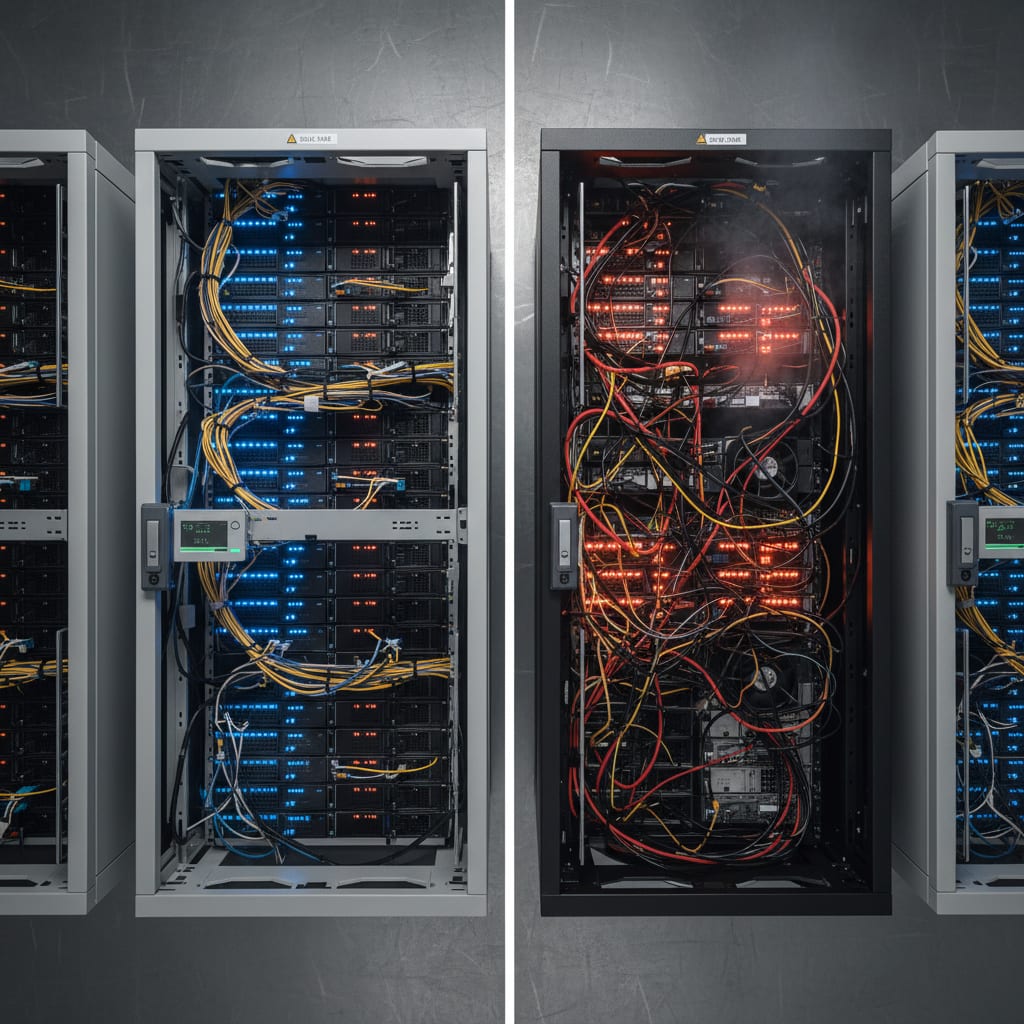
Before:
- Agent runs in a Jupyter notebook, with no cost limits or tracing
- Hard-coded API key, no permission management
- No audit trail, no tenant separation
- Monitoring means "200 OK" is good enough
- GDPR? "We"ll get to it later"
After:
- Agent runs behind policy engine, API gateway, and hard cost limits
- Tracing, observability, and audit logs are mandatory
- Cost and recursion limits enforced from the first request
- Tenant separation and permissions configured
- GDPR and compliance checked and documented before go-live
Go-Live Readiness Checklist for Production AI Agents in Slack & Teams
- Observability and tracing active (LLM tracing, LangSmith, OpenTelemetry)
- Hard cost limits (token budget, API budget) in place
- Multi-tenant isolation and permissions implemented
- Policy engine/API gateway in front
- Audit trail and GDPR documentation reviewed
- Silent failure detection and regression tests live
- Real-time monitoring for costs, performance, and errors enabled
- Go-live decision documented and signed off by tech/product owner
CTOs Ask: The 3 Most Common Questions About AI Agent Integration in Slack & Teams
How do I stop a runaway agent from blowing my entire budget?
Put hard token and budget limits in place, add termination logic, and activate real-time cost monitoring. Use prompt caching and batch APIs to minimize usage. Without these controls, costs can spiral out of control–and you may not notice until your next invoice.
How can I detect silent failures in production AI agents?
Silent failures show up in output quality, not API status codes. Detect them using regression tests, evaluation pipelines, and automated monitoring of response content. Mature systems check output semantics, not just whether a response was received.
How do I ensure my AI agent is GDPR and audit compliant?
Log every request and processing step (audit trail), record all data accesses, and manage permissions granularly. Complete your GDPR review–including data residency–before go-live, and document everything for future audits.
Expert Debate: LangChain, Custom Code, or SwiftRun for Production AI Agents?
Pro LangChain:
"LangChain is the industry standard for agentic AI prototyping. The community is huge, and tools like LangSmith make debugging easier."
Skeptical View:
"45% of LangChain testers never deploy to production, and 23% uninstall it after. Too much abstraction, not enough control. Production readiness is often missing." (LangChain State of Agent Engineering)
When it comes to production AI agents in Slack or Teams, speed of prototyping isn"t what counts–it"s observability, cost control, and governance. If you don"t build these in from the start, you"ll pay for it later–with data, money, and reputation. SwiftRun.ai is one of the few platforms that treats production readiness as a core principle, not a bolt-on.
Industry Insight: Silent Quality Degradation & Multi-Agent Cascading Risks
Running a single agent? That"s (relatively) easy. But once you start orchestrating multiple agents, errors multiply.
For example, if each agent has 95% output accuracy, a four-stage system"s reliability drops to 81% (Galileo). One "bad agent" can compromise the whole network.
Researchers have shown that injecting even a single faulty agent into an LLM agent network can break consensus across the system–a real-world demonstration of the Byzantine Generals Problem in multi-agent architectures.
– [@rryssf_ on X, translation]
Further Reading & Resources
- MCP-Connector Architecture for Custom Data Sources
- AI Agents for Customer Inquiry Classification
- Practical AI Agent Use Cases in SaaS
- LangChain State of AI Agents 2024
- CodeRabbit Security Study
- The $47,000 Incident Case
- AICosts.ai Budget Disaster Guide
- Composio AI Agent Report
Final Question: How Many AI Agents Are Running in Your Slack or Teams Workspace–and How Many Are Actually Under Control?
If you"re not sure, you"re not alone. But now you know what it takes to get things back under control–before your budget, your data, or your reputation take the hit.
Ready to make your AI agents production-ready and avoid costly mistakes? SwiftRun.ai provides the production-grade infrastructure, observability, and cost controls you need. Start free today – no credit card required.
Next up: How do I set permissions and access controls for AI agents in an enterprise environment?
Related Articles:
AI agent Slack Teams integrationproduction-ready AI agentsAI observability SlackAI cost control TeamsGDPR AI agent compliance
Related Articles
AI Builders & CTOs
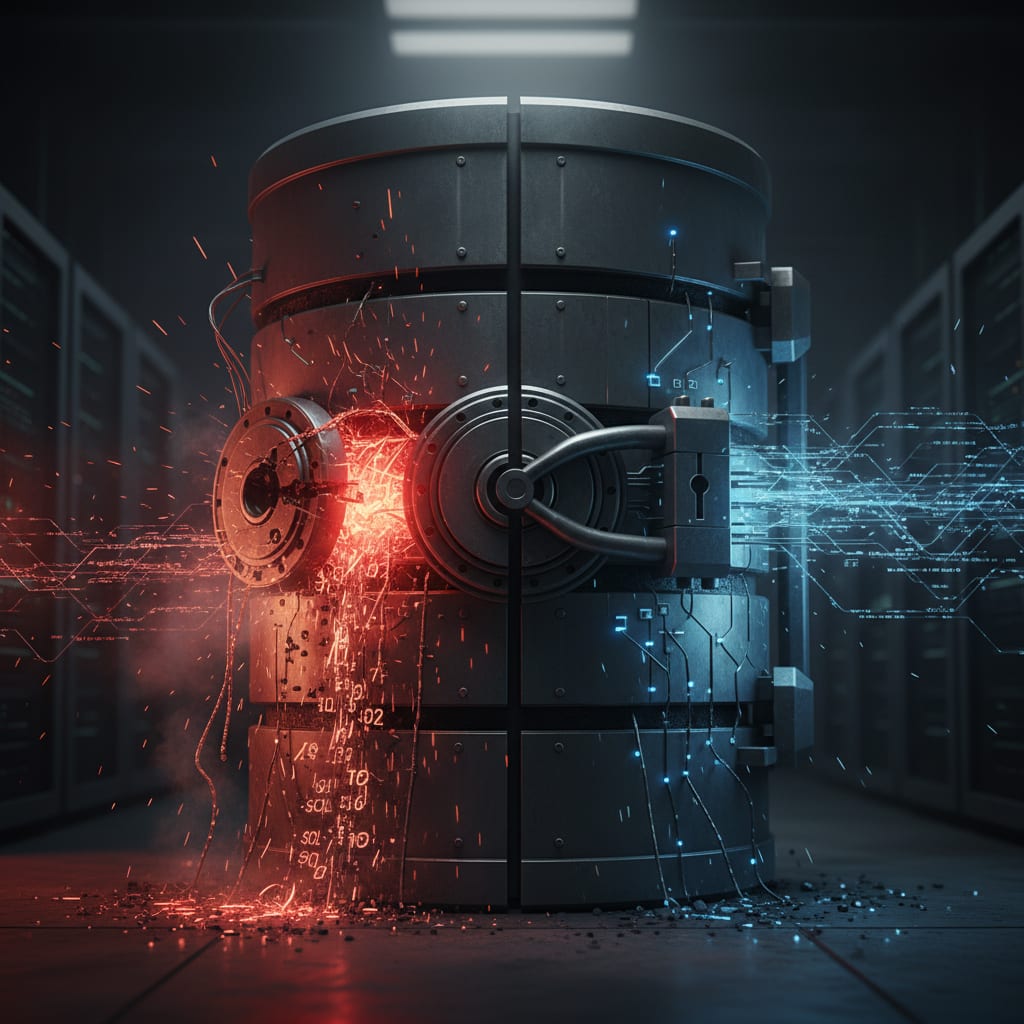
Connect AI Agent to Internal Database Securely
Anthropic"s official PostgreSQL-MCP server had a SQL injection flaw. Here are five architectural moves to protect any AI agent with database access–so you"re not the next incident headline.
May 28, 2026·14 min read·Georg Singer
AI Builders & CTOs
AI Automations for SaaS: High ROI for Small Teams
Most SaaS teams see zero ROI from GenAI–not because AI itself fails, but because they automate the wrong processes. Only four automation types have proven financial impact. Everything else is just burning budget.
May 23, 2026·21 min read·Georg Singer
AI Builders & CTOs
What Does a Self-Hosted AI Agent Platform Really Cost Each Month?
Server bills for self-hosted AI agent platforms can be as low as €35 or as high as €1,400 per month–but the real costs are 5x to 10x higher once you add engineering time. If you only compare server invoices, you're missing the true picture. Here"s a detailed breakdown, TCO calculation, and...
May 22, 2026·21 min read·Georg Singer