Why Jira Fails SaaS Ops Teams–and 3 Tools That Actually Work
Jira is built for predictable dev work–not for the messy, reactive world of SaaS Operations. Here"s what actually happens when Ops teams try to make it work, and three tools that fit Ops teams far better.
Georg Singer··14 min read

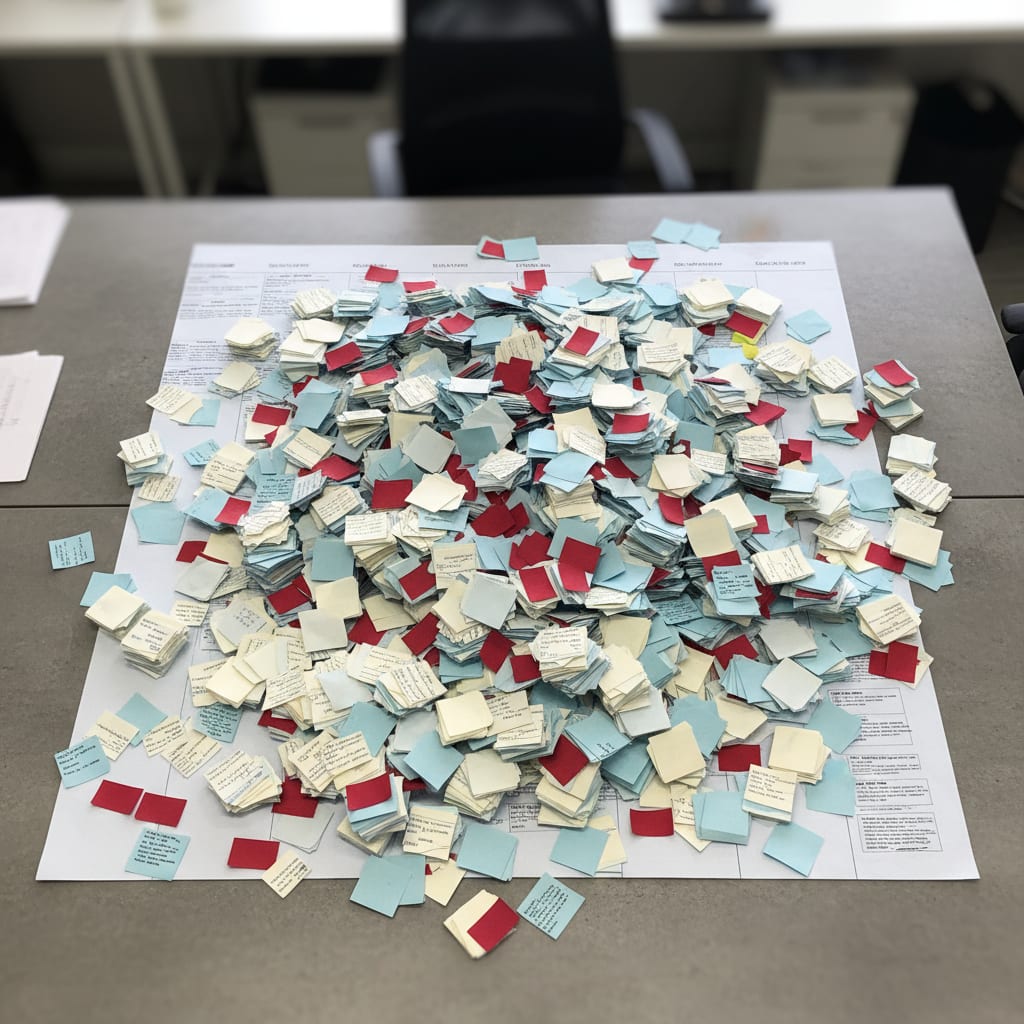
Picture this: Your Ops team"s Jira board is a graveyard–340 tickets, 200 untouched for months. The last "sprint" planning took two hours, even though no one actually does Scrum.
Eventually, someone gives up and just pings requests in Slack. Sound familiar?
You're not alone. This isn't about your team being disorganized–it's a structural flaw baked deep into Jira"s DNA.
TL;DR: The Real Problem With Jira for SaaS Ops
Jira"s core data model, which includes concepts like Story Points, Sprints, and Velocity, is designed for predictable software development. This architecture is not suited for the chaotic, queue-driven, SLA-heavy world of internal Operations. Compounding this issue, 87% of companies report moderate to severe SaaS tool sprawl, with Jira often being a top culprit for its "one-size-fits-all" approach.
Furthermore, half of Ops teams spend at least a whole day every month just merging project status information manually. This time could be significantly reduced with the right tool. It's important to note that no single tool perfectly addresses all five essential features for Ops teams; the best choice depends on team size and your current technology stack. Finally, switching tools without rethinking your processes will not solve the underlying issues.
Why Jira"s Architecture Clashes With SaaS Ops Reality
Imagine trying to use a spreadsheet as a CRM. Sure, you could hack it together–but you"ll always be fighting the tool, not working with it. That"s Jira for Ops teams.
Jira is fundamentally an issue tracker for software development. That"s not a knock–it"s just a fact. Its whole structure revolves around Epics → Stories → Tasks, with Story Points for estimation, Sprints for timeboxing, and Velocity as the key metric. Velocity tells you how many points your dev team delivers per sprint. Makes sense if you"re building features.
But for Ops? You"re tracking vendor contracts, renewal dates, handling three escalations at once. Trying to shoehorn that into Sprints and Story Points is like fitting a square peg in a round hole.
Sprint Backlog vs. Request Queue: A Sprint Backlog is a fixed list of planned tasks for a set time window–usually 1–4 weeks. A Request Queue is an always-open stream of incoming requests, often with no set timeline. Ops teams live in request queues, not sprints.
Here"s what your Ops team actually deals with: urgent requests at 4:30 PM, SLAs that don"t care about sprint boundaries, priorities that change by the hour. None of this fits naturally into Jira"s core logic.
So what happens? You start hacking Jira: custom fields everywhere, weird workflows, Story Points set to "1" for everything just to get past required fields. The board gets messier and messier–until everyone stops looking at it altogether.
Ready to see where Jira breaks down, step by step? Let"s get specific.
5 Painful Ways Jira Fails Ops Teams
Trying to run Ops in Jira? You"ll hit five structural roadblocks:
- No native request management
- Meaningless Story Points for un-estimatable work
- Sprint logic that forces fake planning
- Reporting that ignores SLA performance
- Configuration hassle that eats your strategy time
Let"s break these down–with concrete examples.
1. No Native Request Management
Request management–who"s asking, how urgent is it, when"s it due–is buried inside Jira Service Management (JSM), a separate (more expensive) product. If you stick with regular Jira, you"re left cobbling together your own version. If you upgrade to JSM, you inherit a more complex tool than you probably need.
2. Story Points for Work That Can"t Be Estimated
"Review vendor contract": 1 Story Point. "Track renewal date": 1 Story Point. "Resolve escalation": 1 Story Point. For Ops, estimating this work is absurd–but Jira won"t let you skip it. The result? Garbage data and a frustrated team.
3. Sprint Logic Forces Fake Planning
Reactive work can"t be boxed into two-week blocks. Still, Jira asks you to "plan" sprints–so you waste meetings shuffling tickets that arrived last week. It"s not a planning problem with your team; it"s a tool problem.
4. Reporting Shows Velocity, Not What Matters
Jira"s built-in reports? Burndown charts and velocity graphs. What you actually need: overdue tickets by type, SLA compliance rates, request turnaround times. There"s no native dashboard for that–only paid add-ons.
5. Configuration Overhead Drains Your Time
Remember that stat? Half of Ops teams lose a day every month just to manual status reporting (source). Jira makes this worse with custom workflows, permissions, and add-on management. Most Ops teams don"t have a dedicated Jira admin–so your Ops PM ends up doing it, stealing time from real strategy work.
In practice, I see teams burning three hours a week just on Jira admin: fixing permissions, tweaking workflows, cleaning up fields. That"s not rare. That"s normal.
The kicker? That"s just the visible part. Underneath, your team"s actual work is getting lost in the noise.
But what does an Ops team actually need? Let"s nail down the five must-haves.
What Ops Teams Actually Need: The 5 Must-Have Features
Here"s the punchline: Ops teams need project management tools built for their reality–not for developers.
Forget about "just picking the most popular tool." The problem isn"t a lack of tools–it"s the wrong fit.
According to the data, 60% of IT teams in SaaS companies report overwhelming manual work, despite having a growing stack of tools (source). That"s a red flag. Even more shocking, Ops teams in SaaS companies with 50–200 employees use an average of 87 different tools (source), but 37% have no single source of truth. That means nobody trusts the data, and everyone"s switching context all day.
"Tool sprawl" is when your company accumulates so many software tools that data gets fragmented, you waste time switching between them, and you end up paying for licenses nobody uses. 87% of companies suffer moderate to severe financial pain from tool sprawl (source).
Here"s what your Ops PM tool actually needs to do:
- Request queue with transparent prioritization–new tickets instantly visible, clear priority, clear ownership.
- Ad-hoc tasks–no forced sprints–reactive work isn"t predictable, and shouldn"t be boxed in.
- Native SLA and deadline tracking–not via spreadsheets or pricey add-ons.
- Cross-team visibility–without setup hell–other teams can see status at a glance, no need to manually update.
- Low configuration burden–ready in hours, not weeks–the tool shouldn"t become a project of its own.
Now, let"s put Jira and the top alternatives through this five-point test.
SwiftRun automates repetitive workflows with AI agents – so your team can focus on what matters.
Jira vs Linear vs Notion vs ClickUp: The Decision Matrix
Let"s get real: No tool is perfect. But some are a lot better than Jira for Ops.
You"ll see a lot of "best project management tools" lists that dodge this simple truth: it"s about fit, not features.
Here"s how the top four stack up:
| Criteria | Jira | Linear | Notion | ClickUp |
|---|---|---|---|---|
| Request Management | ★ Needs JSM (extra $) | ★★ Possible via workflows | ★★ DIY setup | ★★★ Native, but complex |
| Ad-hoc Flexibility | ★ Sprint logic dominates | ★★ Better, but still cadence-driven | ★★★ Maximum flexibility | ★★ Lots of options, lots of overhead |
| SLA Tracking | ★ Only via JSM/add-on | ★ Not native | ★★ Configurable | ★★ Exists, but complex |
| Config Effort | ★ High–permissions, workflows, add-ons | ★★★ Low–opinionated design | ★ High–DIY everything | ★ Very high–feature overload |
| Pricing (<20 users) | ★★ ~$8–15/user | ★★★ ~$8/user, strong free plan | ★★★ Free to ~$16/user | ★★ From ~$7, pricier with features |
★★★ = strong for Ops | ★★ = sufficient | ★ = weak / needs workaround
⚠️ Heads up: No tool checks every box. That"s not a flaw in this comparison–it"s the honest reality. Your best choice depends on your team size, stack, and how much you want to DIY.
In Plain English: The Four Tools
Jira still rules for dev teams and CI/CD workflows. But for pure Ops teams? None of its strengths matter. The weaknesses with all five Ops criteria are baked in, not something you can configure away.
Linear is hands-down the best dev-centric alternative. It"s lean, it"s opinionated, and it reduces setup time. But it"s still built for engineering. There"s no native request queue–you"ll have to build your own, and that sends you down the same rabbit hole as Notion.
Notion gives you max flexibility. And that"s the problem. Building an Ops-ready Notion setup takes weeks, someone who knows their way around databases and views, and constant maintenance as your team grows. For many Ops teams, that "flexibility" becomes another time sink.
ClickUp claims to do it all–Gantt charts, Sprints, Docs, Goals, Dashboards. In reality, the feature bloat is a headache of its own. Teams switching from Jira to ClickUp often report the same frustrations–just with a different UI.
Here"s how one Reddit user captured it:
"I feel overwhelmed by our over-dependence on SaaS tools." – r/SaaS, upvotes: 57
And it"s not just about the stack as a whole. Every tool that takes more configuration than it delivers in value is part of the problem.
Next: choosing the right tool for your actual Ops scenario.
3 Real-World Scenarios: Which Tool Fits Which Ops Team?
According to a report by Lokalise, the average employee switches between apps 33 times a day, and chronic context switching can kill up to 40% of your productive work time (source). The goal is not "another tool silo." It"s less switching, less overhead.
Let"s make this real with three common scenarios:
Scenario A: Team Under 8, No Existing Stack
Go with Linear or Notion. You"ll have the lowest entry barrier, no baggage from legacy tools, and no Jira admin headaches. If your team already thinks in tickets and wants a structured queue, Linear is simpler. If you want docs and projects together–and have someone ready to build the setup–Notion works.
Scenario B: Team of 8–20, Already Using Jira
You"ve got two paths:
- Switch to Linear: Move only active tickets (skip the ancient backlog), radically simplify workflows, and start fresh.
- Radically simplify Jira: Just 2 issue types, turn off Story Points, make sprints optional. Sounds easy, but it isn"t–someone always creates "just one more Custom Field," and before you know it, you"re back to square one.
Scenario C: Team 20+, Need Multi-Team Coordination
Now you"re in complex territory. ClickUp or Jira Service Management (JSM) (with the Ops module) can handle the scale–but only if you have a dedicated admin. Without someone managing the system, you"ll hit the same problems as before, just on a bigger scale.
The ROI Nobody Calculates
Let"s run the numbers:
Jira admin work: 3 hours/week
Ops PM hourly rate: €80
Weeks per year: 52

3 × 80 × 52 = €12,480 per year
You"re spending €12,480 a year just on tool admin for a 10-person Ops team–before anyone does real work. That"s based on a conservative hourly rate for senior Ops in German SaaS and on community-reported admin time. For some teams, it"s even higher.
For comparison: Linear costs around €80–100/month for 10 users, with a fraction of the admin burden.
Before (Jira, no config):
340 tickets in the backlog. 200 untouched for months. Sprint planning drags on for 90 minutes–most of it spent moving and re-prioritizing tickets. The dashboard shows Velocity–a metric that means nothing to the team. Nobody knows which requests are overdue.
After (Linear, radically simplified):
40 active tickets in a queue. New requests land instantly, with clear priority and ownership. Status is visible to everyone, no need to ask. Weekly check-ins take just 20 minutes instead of 90. Overdue items are obvious at a glance.
The difference isn"t just cosmetic. It"s about whether your tool forces you to adapt to it–or actually supports your workflow.
Migrating Away From Jira: The 4-Week Playbook
So you"re ready to move on. The good news: Switching from Jira to a better-fit tool can be done in a month–if you do it right.
Here"s the four-step plan:
- Audit–Identify which tickets have actually been active in the last 30 days. Only those are worth migrating. The rest? Archive them.
- Parallel setup–Get your new tool ready while Jira keeps running. Don"t shut down Jira until the new system is tested.
- Two weeks of parallel operation–Handle new requests in the new tool; keep Jira only for unresolved old tickets.
- Hard cutover–Set Jira to read-only (don"t delete it–otherwise, you"ll face political pushback). The new tool becomes the only entry point.
Knowledge workers estimate they could reclaim 4.9 hours a week with better processes (source). That"s six extra workweeks per year. But only if you do the migration right.
According to Asana, "work about work" is all the time you spend on status updates, meeting coordination, and consolidating info from different tools–instead of real, skill-based work. 60% of knowledge workers" time goes to this overhead (source), with only 27% being actual productive work.
Migration Checklist: 4 Weeks to a Healthier Ops Stack
- Week 1: Audit–Which tickets moved in the last 30 days? Those get migrated. The rest? Archive.
- Week 1: Governance Decision–Who"s allowed to create new issue types in the new tool? Decide now, or chaos will return in six months.
- Week 2: New Tool Setup–Limit to 2–3 issue types, a clear queue, and defined SLA fields. Don"t overbuild.
- Week 2: Move Active Tickets–Only the live ones. Don"t bring over the 200 dead tickets from last year.
- Week 3: Parallel Run–New requests go into the new tool. Jira is only for old, unresolved items.
- Week 4: Hard Cutover–Set Jira to read-only (never delete–people panic). The new tool is now the only way in.
The 3 Most Common Migration Mistakes
- Copying Jira workflows 1:1. The same broken process, new interface. If you migrate a mess, you just have a mess in Linear or Notion instead.
- Skipping governance decisions. Who can create issue types? Who manages fields? If you don"t answer now, you"ll be back in chaos in three months.
- Migrating every ticket. Out of 340 Jira tickets, usually only 30–50 are active. Migrating everything just means carrying dead weight into your new system.
⚠️ Critical: Switching tools without fixing workflows is pointless. The tool follows the process–not the other way around. Composable tech stacks–modular, integrated, flexible–are the future, according to Zylo SaaS Trends 2026. That"s not just hype; it"s a direct response to the exact problems you"re reading about here.
If you want Ops data that just works–without more tool silos–SwiftRun.ai connects with what you already use (Trello, Notion, Linear) and makes your Ops data instantly actionable. No migration, no unread boards.
Frequently Asked Questions
Is Jira Service Management (JSM) the answer for Ops teams?
JSM is Atlassian"s attempt to serve Ops teams directly. It"s better than standard Jira for Ops: native request management, SLA tracking, a customer portal. But it"s pricier (starts at ~€19/agent), more complex to manage, and brings all the Atlassian ecosystem overhead. If you"re a team under 20, it"s often overkill.
Is Linear really worth it for non-dev teams?
Linear is built for engineering–cycles (sprints), projects (epics), the lot. But even for Ops, it beats Jira on clarity, lower config, and a keyboard-first interface. The lack of a true request queue is a real downside, but you can partially make up for it with custom views and filters.
What about the Jira/Confluence ecosystem argument?
It"s valid. If you rely on Confluence for docs, Jira for projects, and other Atlassian tools, you get deep integration. The catch: integration only helps if each tool is actually right for your use case. A perfectly integrated stack that doesn"t fit your workflow is worse than three standalone tools your team actually uses.
How long does a Jira migration really take?
Four weeks for a 10–15 person team–if you make governance decisions up front. Longer if you insist on migrating historical data (which is usually pointless). The bottleneck isn"t the migration itself–it"s letting go of old habits.
Jira isn"t a bad tool. It"s just the wrong tool for Ops teams. That difference matters–if you get it, you won"t waste time looking for a "better Jira." You"ll look for a tool designed for a different kind of work.
Here"s what the decision matrix shows:
- Linear wins on config and price, but lacks native Ops features.
- Notion wins on flexibility, but loses on setup time.
- ClickUp wins on features, but loses on complexity and overhead.
None are perfect. For most Ops teams under 20, the honest answer is: Start with Linear. If you"re bigger, need multi-team coordination, and have a dedicated admin, look at ClickUp or JSM.
But remember: No tool can fix a broken process. If requests keep landing in Slack instead of the ticket system, that"s not a tool issue–it"s a governance issue. Facing that reality is the first step toward a system that truly works for you.
Ready to ditch the Jira headaches and actually get your SaaS Ops flowing smoothly? Check out SwiftRun.ai to see how you can reclaim your time and boost team efficiency.
jira not for opssaas ops project managementjira alternativeslinear vs jira opstool sprawl saasbest pm tool ops teams
Related Articles

Operations & PM Teams
GTM Misalignment: How to Spot Early Warning Signs in SaaS
GTM misalignment is the #1 reason B2B SaaS companies miss revenue targets, according to Forrester (2025). But Ops PMs see the signals first. Here"s how to recognize, diagnose, and act before the problem hits your bottom line.
Jun 12, 2026·14 min read·Georg Singer

Operations & PM Teams
WIP Limits: Why Ops Teams Ignore Them at Their Peril
23 tasks 'In Progress', only one finished. That"s not bad luck–it"s Little"s Law in action. Here"s why WIP limits are the most important (and ignored) concept for Ops teams drowning in SaaS tools.
Jun 11, 2026·12 min read·Georg Singer
Operations & PM Teams
How to Fix Product and Sales Alignment in SaaS–Without New Tools
Product and Sales misalignment is the #1 reason SaaS revenue targets fail–according to Forrester. It"s a system problem, not a people problem. Here"s a four-part framework to sync Product and GTM, boost adoption, and eliminate wasted launches. No new tools required.
Jun 10, 2026·13 min read·Georg Singer